AI PDF Converter – Convert Documents & Images to PDF
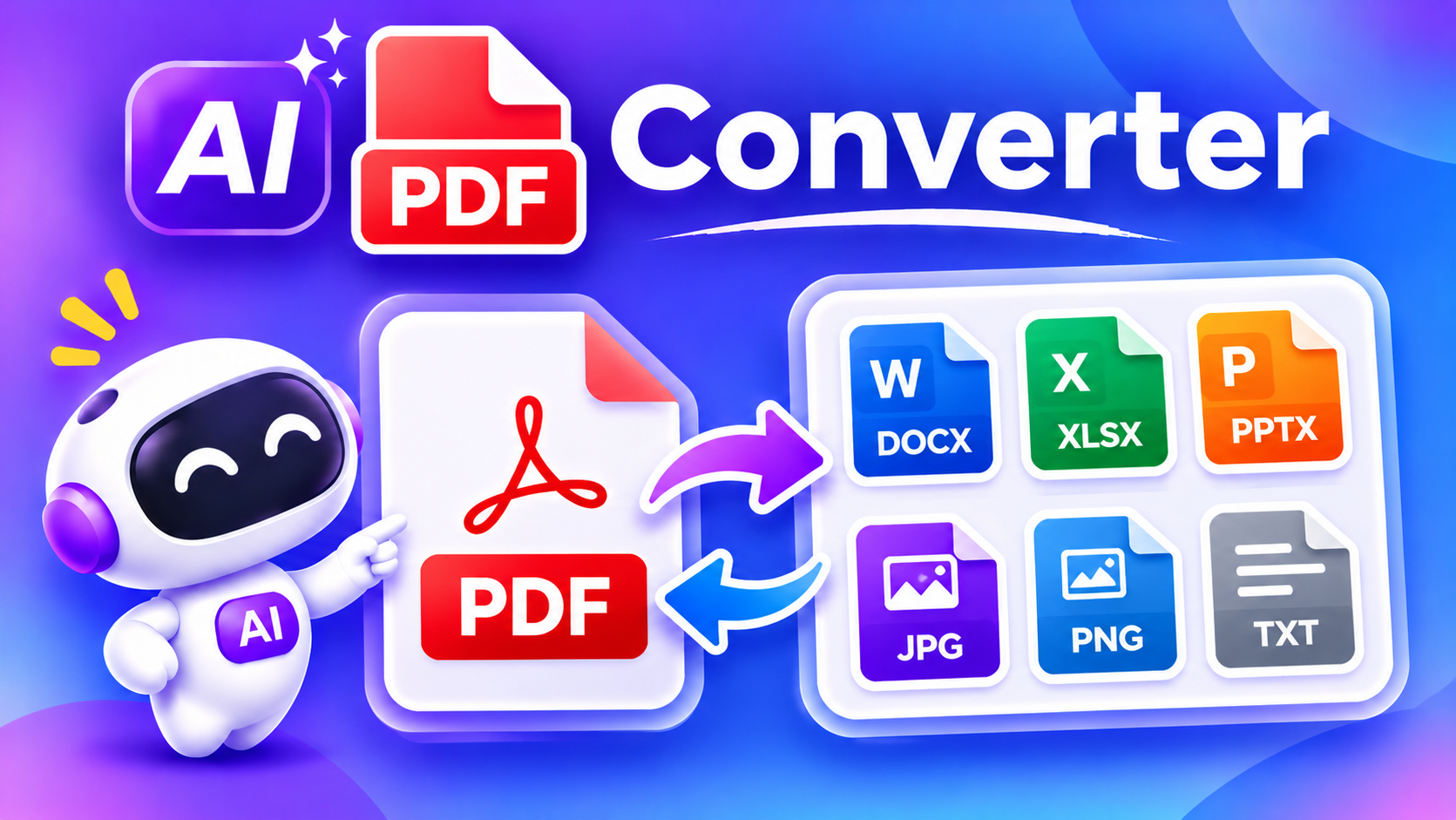
Convert documents, text, and images into PDF files with the online AI PDF Converter. Easily convert Word documents, save text as PDFs, or combine JPG, PNG, SVG, and WebP images into a single PDF. Simply upload your files, choose your settings, and download your PDF in seconds.
Convert files to PDF
Turn Word documents, text, and images into PDF files in a few simple steps.
Upload a Word document
Choose a .docx file from your device. Legacy .doc files are not supported.
Upload images
JPG, JPEG, PNG, SVG, and WebP. You can select multiple images.
Your selected files are processed in your browser and are not uploaded to this website.
Key Features
Word to PDF
Convert supported Word documents (DOCX) into PDF files for easy sharing and viewing.
Text to PDF
Turn plain text into a well-formatted PDF document with adjustable font sizes.
Multiple Conversion Options
Convert JPG, JPEG, PNG, WebP images, and SVG illustrations into PDF pages. Combine multiple images into a single PDF file.
Simple Online Conversion
Use an easy-to-understand interface to upload files, select settings, convert, and download your PDF.
Custom PDF Page Settings
Choose between A4 and Letter page sizes, portrait or landscape orientation, and different image-fitting options.
Multiple Image Conversion
Upload multiple images and combine them into one PDF document, with each image placed on a separate page.
How to Use the AI PDF Converter?
- Open the AI PDF Converter.
- Select the type of file you want to convert.
- Upload your Word document, text, or supported images.
- Choose your preferred PDF settings.
- Start the conversion process.
- Download your generated PDF file.
Who Can Use an AI PDF Converter Tool?
Students
Convert assignments, notes, and study materials into PDFs.
Content Creators
Convert graphics and images into PDF files.
Teachers
Prepare and share educational materials.
Professionals
Create PDF versions of business documents.
Businesses
Organize documents, images, and reports.
Everyday Users
Create PDFs from personal documents and pictures.
Frequently Asked Questions
What Is an AI PDF Converter?
An AI PDF Converter is an online tool that helps users convert documents, text, and images into PDF format. It makes it easier to organize, share, and store different types of files in one convenient format.
With the PDF Converter, you can convert Word documents, text content, and multiple image formats into PDF files without complicated software.
Can I combine multiple images into one PDF?
Yes. You can upload multiple supported images and combine them into a single PDF document, with each image on a separate page.
Is the PDF Converter free?
Free access may be available, depending on the platform’s usage limits and available features.
Do I need to install software?
No. You can use the online converter directly through a supported web browser.
Are my uploaded files stored?
File processing takes place in your browser using the current converter. Selected files are not uploaded to the WordPress server by this conversion tool. However, externally loaded conversion libraries may require an internet connection.