AI Image Analyzer – Understand Images with AI
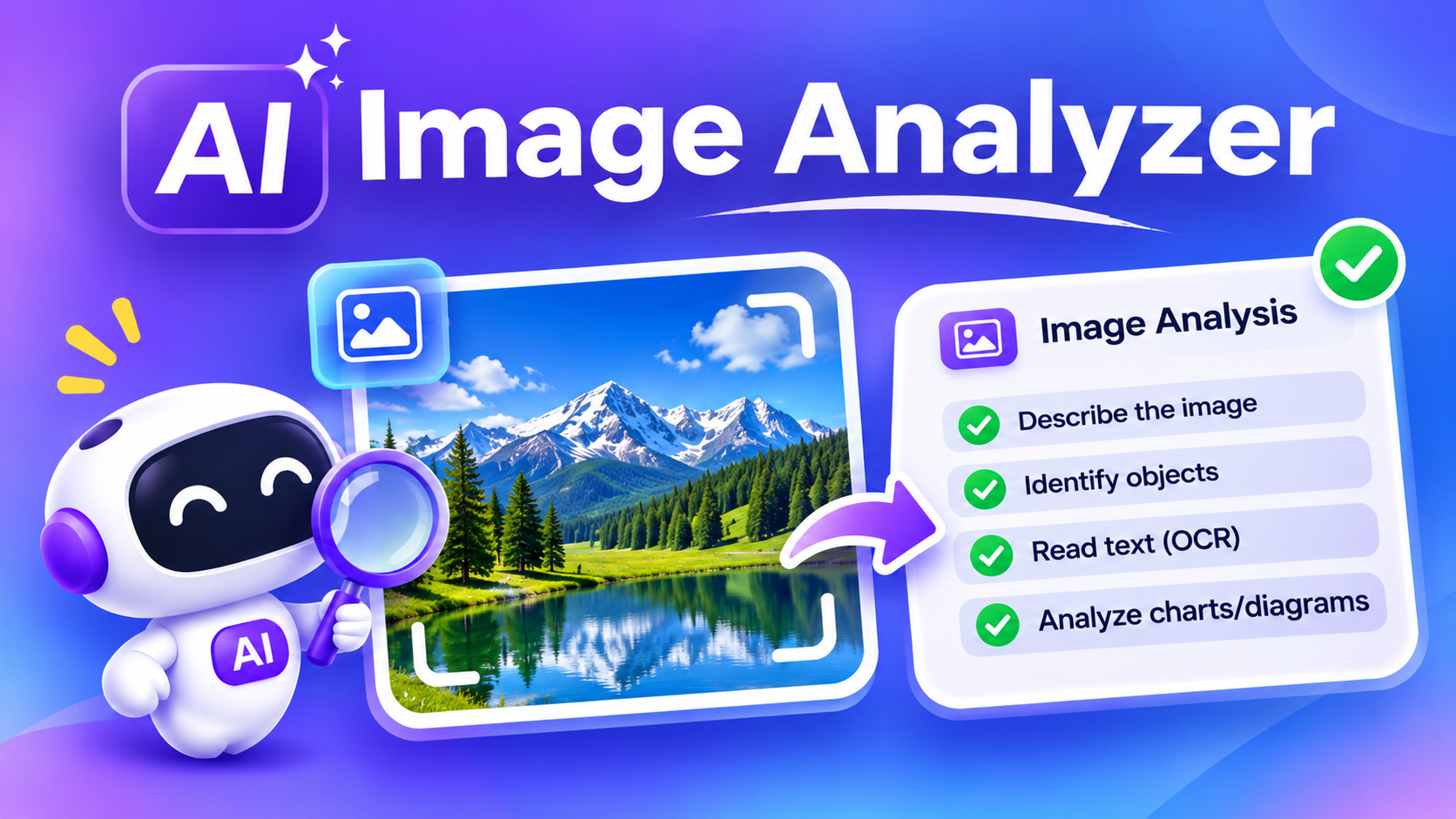
Upload an image and explore its contents with the online AI Image Analyzer. Use AI to describe pictures, identify objects, understand charts and diagrams, and extract text from supported images. Get helpful insights from screenshots, photographs, and other visual content.
Key Features
Understand Images
Upload a picture and get a description of its visible contents.
Identify Objects
Ask AI to recognize common objects, items, and elements in an image.
Read Text from Images
Extract or explain visible text in screenshots, signs, and documents where supported.
Analyze Charts and Graphs
Upload a chart or graph and ask AI to explain its data and visual trends.
Understand Diagrams
Get simple explanations of diagrams, illustrations, and visual concepts.
Upload Multiple Image Types
Upload images in supported formats, such as JPG, PNG, and WebP to analyze.
How to Use the AI Image Analyzer?
- Open the AI Image Analyzer.
- Upload your image.
- Enter a question or instruction about the picture.
- Click send or analyze.
- Read the AI-generated explanation.
- Ask follow-up questions if you need more information.
Who Can Use an AI Image Analyzer Tool?
Students
Understand diagrams, charts, and educational images.
Teachers
Explain educational images, diagrams, and charts to make lessons easier.
Everyday Users
Understand unfamiliar pictures and objects.
Professionals
Review screenshots and visual documents.
Content Creators
Get descriptions and ideas from images.
Researchers
Explore visual information and illustrations.
Frequently Asked Questions
What Is an AI Image Analyzer?
An AI Image Analyzer is a tool that uses artificial intelligence and image understanding technology to examine uploaded pictures and provide information about their contents.
You can upload an image and ask questions about it. Depending on the model and its visual capabilities, AI may describe objects, explain diagrams, read visible text, and identify important details.
Can AI analyze screenshots?
Yes. Supported image models can examine screenshots and help explain the information displayed.
Can it read text from an image?
It can recognize visible text in many images, although accuracy depends on image quality, language, and model capabilities.
Is my uploaded image stored?
Image handling and retention depend on ChatSonic’s storage settings and the relevant service providers. Review our Privacy Policy before uploading sensitive images.
Does the AI Image Analyzer support every image format?
Supported formats depend on the image-upload feature and connected AI model.