ChatPDF AI – Ask Questions & Get Answers from PDF Files
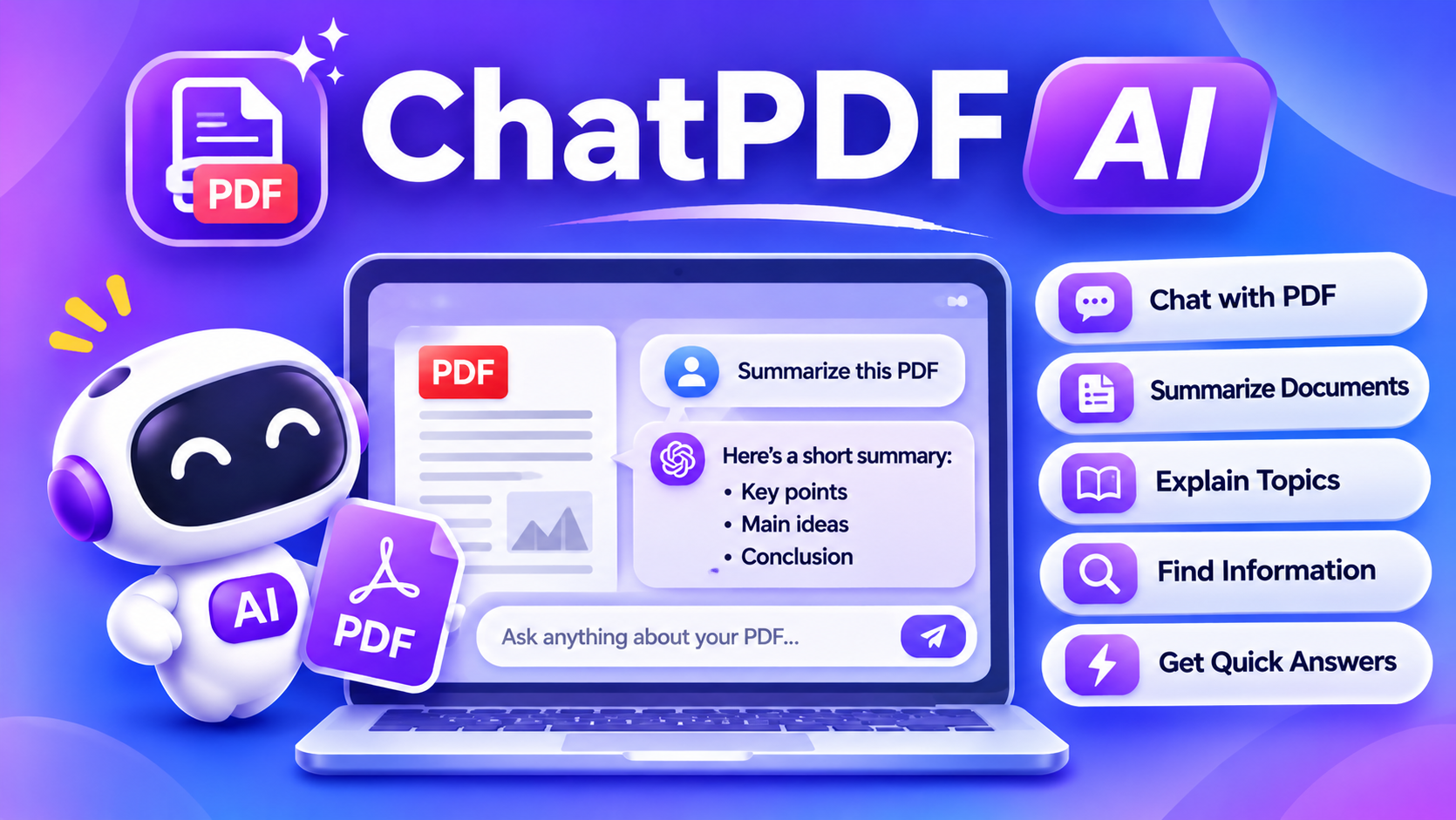
Chat with your PDF online using the ChatPDF AI. Upload a document and ask questions to find information, explain difficult sections, and summarize key topics. Easily understand textbooks, research papers, and business reports with AI.
Upload your PDF
Drag and drop a PDF here, or browse your files.
Maximum file size: 15 MB · Scanned PDFs supportedSuggested questions
AI-generated answers may contain mistakes. Check important details against the original PDF.
Key Features
Chat with PDF Documents
Upload a supported PDF and ask questions about its content.
Get Quick Answers
Find relevant information without manually searching through every page.
Summarize Long Documents
Understand the main ideas and important points in lengthy PDF files.
Explain Difficult Topics
Ask AI to explain complicated sections using simpler language.
Find Important Information
Explore specific topics, names, definitions, and details from your document.
Ask Follow-Up Questions
Continue the conversation to understand different parts of the PDF.
How to Use the ChatPDF AI?
- Open the ChatPDF AI tool.
- Upload your PDF document.
- Wait for the document to be processed.
- Enter a question about the PDF.
- Read the AI-generated answer.
- Ask additional questions to explore the document further.
Who Can Use ChatPDF AI Tool?
Students
Understand textbooks, notes, and study materials.
Teachers
Find useful information in educational materials.
Business Owners
Quickly review contracts, proposals, and other business documents.
Professionals
Review reports and business documents.
Everyday Users
Understand manuals, guides, and other PDF files.
Researchers
Explore academic papers and research documents.
Frequently Asked Questions
What Is ChatPDF AI?
ChatPDF AI is a tool that uses artificial intelligence to help users interact with PDF documents.
Instead of searching through every page manually, you can ask questions about the uploaded document and receive answers based on its available content.
It can help explain sections, summarize information, and locate relevant details, depending on the document-processing capabilities.
Is ChatPDF free to use?
Free access may be available, subject to file size, usage, model, and other platform limits.
Can I ask multiple questions about one PDF?
Yes. You can ask follow-up questions to explore different sections of a supported document.
Does ChatPDF support scanned PDFs?
Scanned PDFs may require OCR (optical character recognition). Support depends on the document-processing system and connected AI model.
Are my uploaded PDF files private?
File processing and retention depend on ChatSonic’s systems and third-party providers. Avoid uploading sensitive documents unless you have reviewed the Privacy Policy and are comfortable with the applicable data handling.