
ChatPDF: Talk to Your Documents, Get Instant Answers
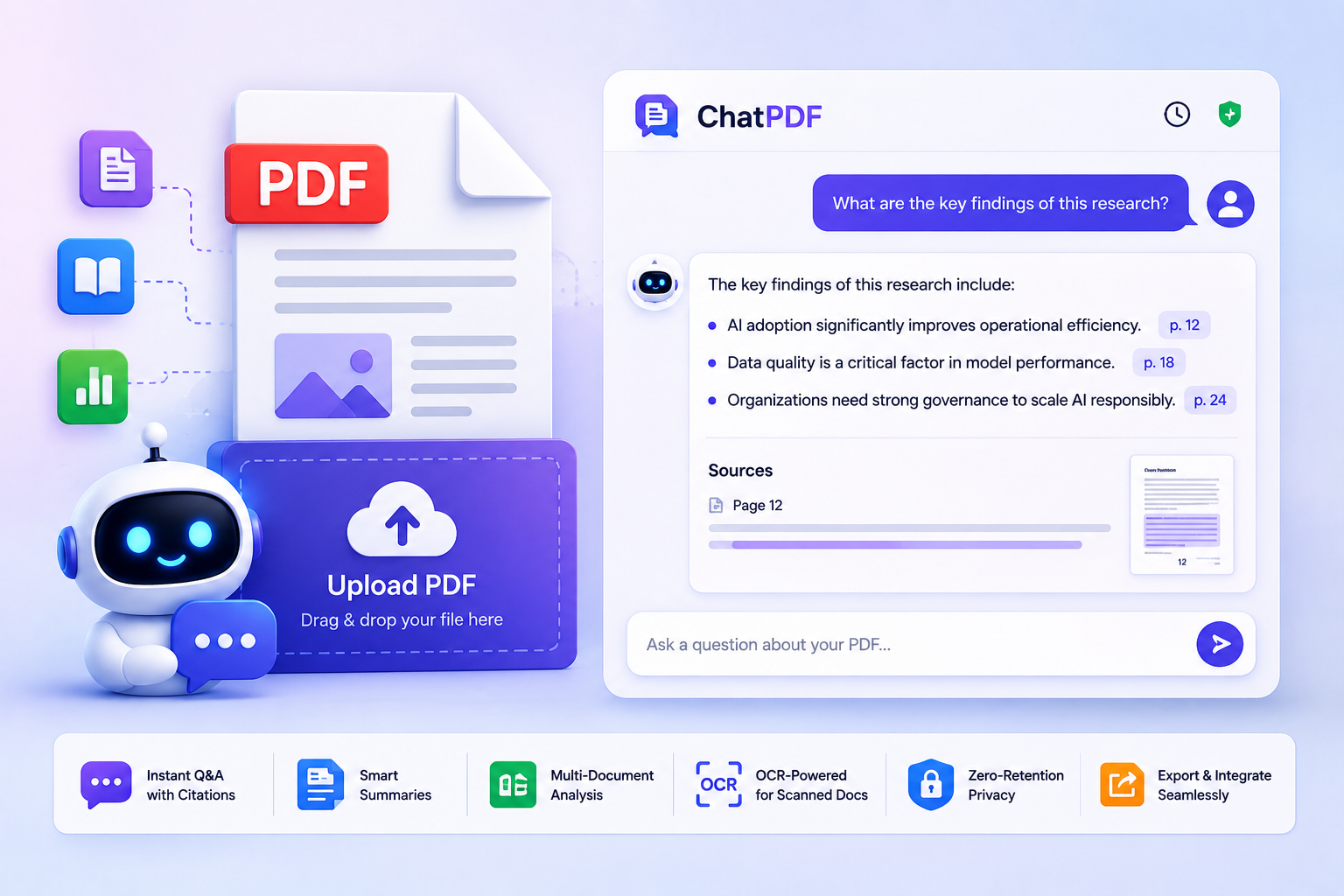
Upload any PDF and ask questions in plain English. ChatPDF extracts insights, summarizes content, and cites exact page references—so you spend less time reading and more time understanding.
TRY FREE AI TOOLS
Why ChatPDF Changes How You Work with Documents
Instant Q&A on Any PDF
Smart Summarization in Seconds
Multi-Document Analysis
OCR-Powered for Scanned Docs
Zero-Retention Privacy
Export & Integrate Seamlessly
How Chat PDF works?
Upload Your PDF – Drag & drop any PDF document (up to 25mb). Supports scanned docs via OCR.
Ask in Natural Language – Type questions like “What are the key findings?” or “Summarize section 3.2” – no prompt engineering needed.
Get Cited, Actionable Answers – Receive responses with direct page references, highlighted source text, and optional follow-up suggestions.
Export or Continue Chatting – Copy answers, generate shareable reports, or keep drilling deeper with contextual follow-ups.
Built for Real-World Workflows
🎓 Students & Researchers
- Summarize academic papers, extract methodologies, and compare findings across studies.
- Generate properly cited quotes for essays and theses with one-click source verification.
⚖️ Legal & Compliance Professionals
- Quickly locate clauses, obligations, or risk factors in contracts and policies.
- Cross-reference multiple documents to identify inconsistencies or compliance gaps.
💼 Business & Operations Teams
- Turn lengthy reports into executive briefs, action items, or presentation-ready insights.
- Analyze competitor decks, market research, or internal documentation without manual review.
👨💻 Developers & Technical Writers
- Extract API specs, debug documentation, or generate user guides from technical PDFs.
- Use ChatPDF’s API to embed document Q&A into your own applications.
Ready to Unlock Your PDFs?
FAQs
Are my uploaded PDFs stored or shared?
No. By default, ChatPDF processes files in-memory and permanently deletes them after your session ends.
How accurate are ChatPDF’s answers?
Yes. Our built-in OCR engine accurately extracts text from scanned documents, handwritten notes, and image-based PDFs in 50+ languages.
What types of PDFs work best with ChatPDF?
ChatPDF excels with text-based documents: research papers, legal contracts, business reports, textbooks, manuals, and meeting notes. For heavily formatted or image-only PDFs, enable OCR mode for best results.
Can I export answers or generate reports?
Yes. Copy answers with citations, export to Markdown/PDF/DOCX.
Are my chats private and secure?
Yes. Your data is encrypted, and we never share your personal chats with third parties.
